Getting your shutters to respond to a simple click of a button is one of those small home upgrades that makes a genuine difference to daily life. Whether you have just bought a new remote or you are trying to get an existing one to talk to your motorised roller shutter, the process is far less daunting than it might seem. This guide walks you through everything from checking your equipment to sorting out any hiccups along the way, so you can get your Somfy remote up and running without fuss.
The essentials
- Before programming, ensure your remote has a fresh battery and the shutter motor is properly connected to a power source.
- Verify that your remote and motor are compatible by confirming they both utilize Somfy's RTS (Radio Technology Somfy) wireless protocol.
- To initiate pairing, press the 'PROG' button on the motor unit until the shutter provides visual or audible feedback, then press the assign button on your remote.
- Solar-powered units may require a sufficient battery charge before they will respond reliably to the programming sequence.
- Specific shutter types, such as garage doors or sectional shutters, may have differently placed 'PROG' buttons compared to standard roller models.
- If issues persist, consult the official Somfy website for specific product manuals or contact their customer support for technical assistance.
- Replacement remotes can be purchased through local hardware stores or online retailers, with options for multi-channel models to control several shutters simultaneously.
Preparing Your Somfy Remote and Roller Shutter for Programming
Before diving into the actual programming steps, it pays to spend a few minutes making sure everything is in good working order. Rushing this stage is the most common reason people find themselves stuck halfway through, wondering why nothing seems to respond.
Checking battery and motor connection before you begin
A flat or weak battery is often the culprit behind a remote that simply refuses to cooperate, so it is worth popping in a fresh one before you attempt anything else. Alongside this, take a moment to confirm that the roller shutter motor itself is properly wired and receiving power, as a loose connection can mimic the symptoms of a faulty remote entirely. It is also sensible to check that the shutter moves smoothly when operated manually or via an existing control, since any mechanical resistance could interfere with the programming sequence later on. Once you are confident the battery and motor are both sound, you are in a good position to move forward.
Understanding rts and compatibility
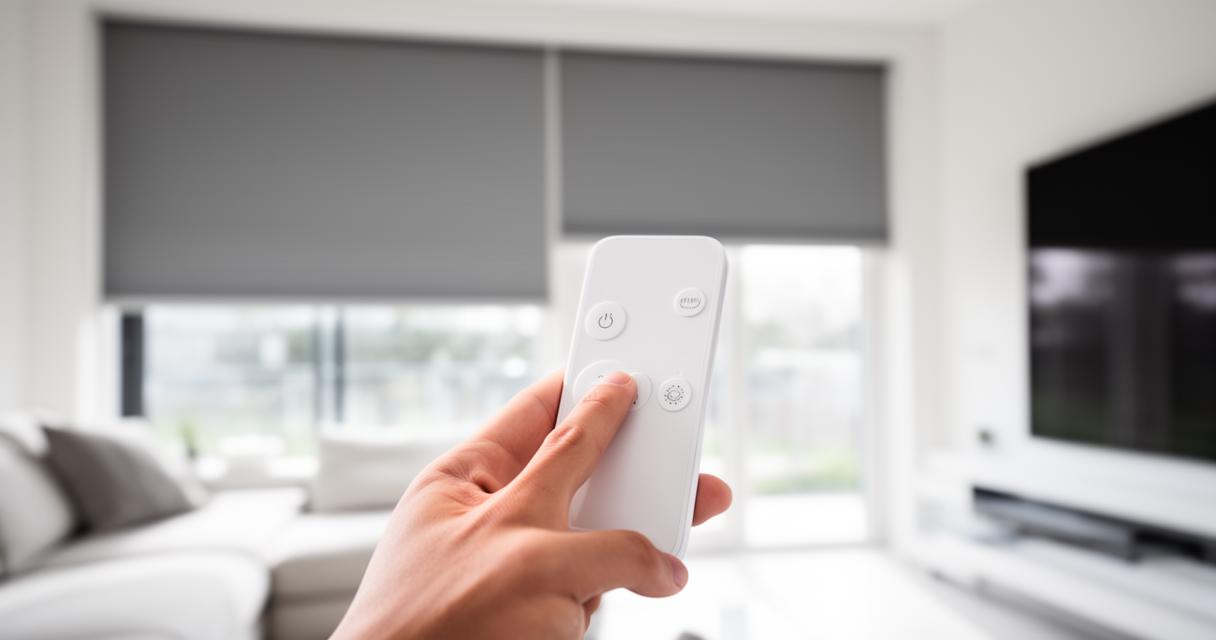
Somfy's system relies on a wireless protocol known as RTS, or Radio Technology Somfy, which allows remotes to communicate with the motor without any physical wiring between the two. This technology underpins the vast majority of Somfy roller shutter setups, and understanding it helps explain why certain remotes work seamlessly with certain motors while others need an extra step or two. Not every remote is automatically compatible with every motor, so it is worth double checking that your particular model falls within the RTS family before you start the pairing process. This small verification step, sometimes overlooked, can save a great deal of frustration further down the line.
Programming your somfy remote: complete walkthrough for all shutter types
With the groundwork done, the actual programming itself is refreshingly quick. Most people are surprised at just how little time it takes once they know the correct sequence to follow.
Activating programming mode and binding your remote control
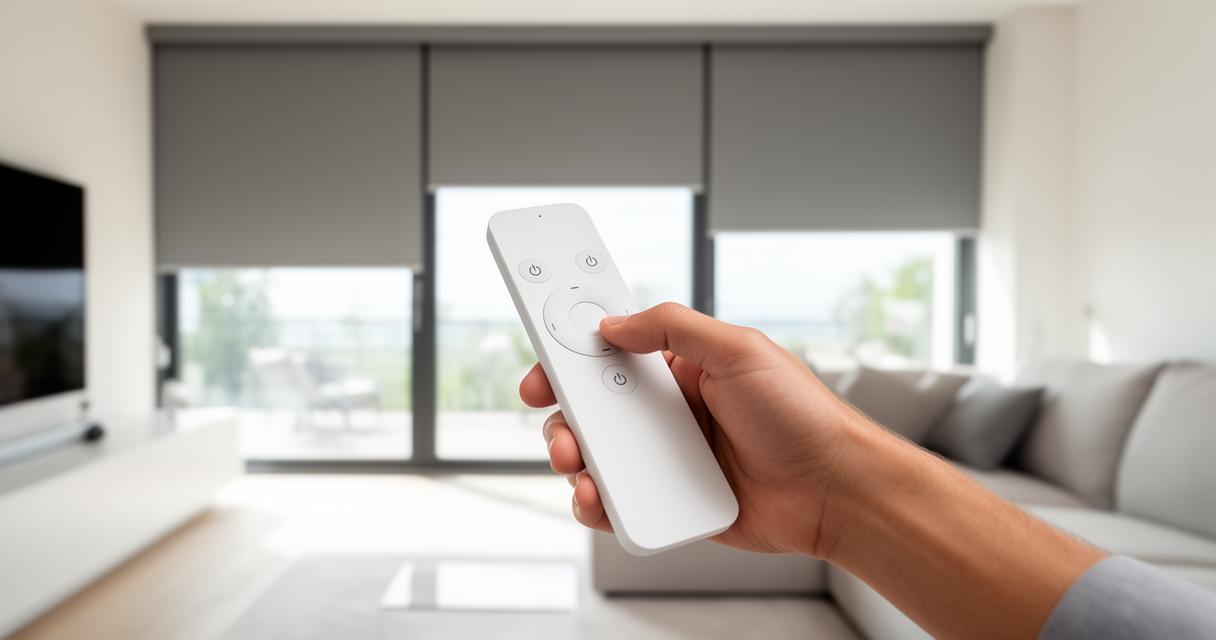
The process typically begins by locating the small PROG button on the motor unit, which is usually tucked away near the control wiring or accessible via a designated cord. Press and hold this button until you hear the shutter give a brief up and down movement or an audible beep, signalling that the motor has entered its programming window. This window is generally quite short, so you will need to act promptly. Immediately press the button you wish to assign on your remote control, and within moments the shutter should respond with another small jog, confirming that the pairing has been successful. If nothing happens, it is worth repeating the process, as timing can sometimes be slightly fiddly on the first attempt.
Special Considerations for Solar, Motorised Garage, and Sectional Shutters
While the core method remains largely consistent across the Somfy range, certain shutter types call for a little extra attention. Solar powered shutters, for instance, rely on a battery that charges via a small panel, so ensuring adequate sunlight exposure beforehand can make the programming sequence more reliable. Motorised garage doors and sectional shutters follow a broadly similar logic but may have their receiver positioned differently, so it is worth consulting the specific unit before assuming the PROG button sits in the same place. A few points worth bearing in mind include:
- Solar powered units may need a brief charge before the motor responds reliably
- Sectional and garage door motors sometimes use a slightly different beep pattern to confirm success
- Mosquito net systems generally follow the same RTS logic as standard shutters
Once paired, these systems behave identically to a standard roller shutter setup, giving you the same seamless control across your home.
Troubleshooting and Additional Resources for Your Somfy Remote System
Even with a straightforward process, occasional snags can crop up, and knowing where to turn for help or replacement parts makes the whole experience far less stressful.
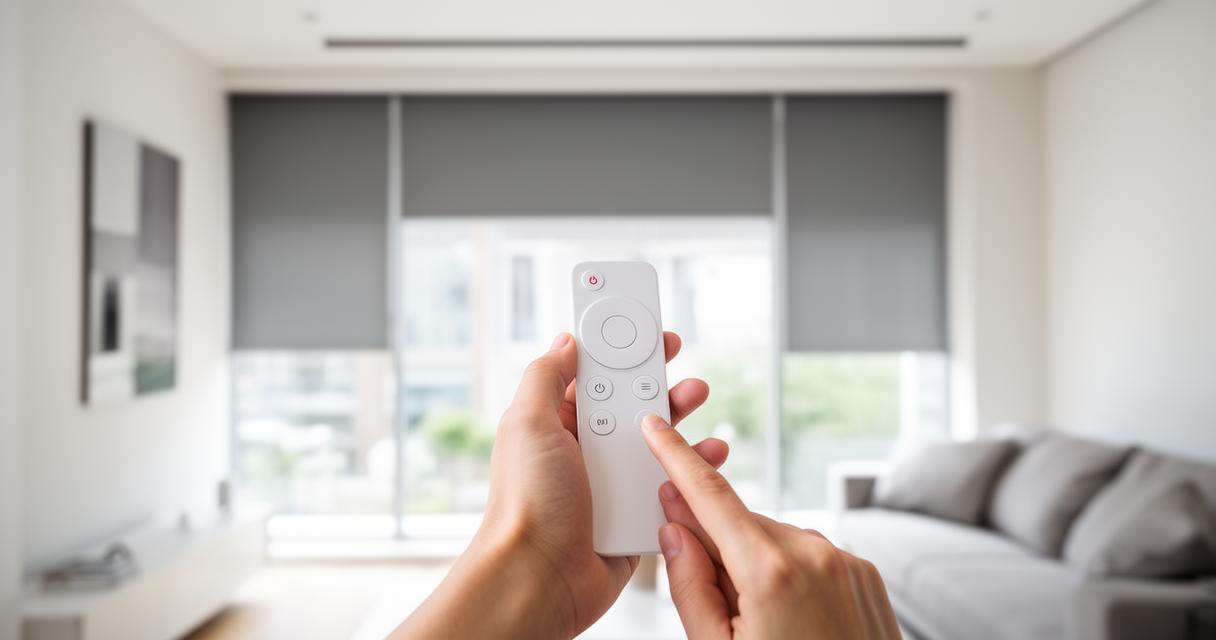
Where to Purchase Replacement Remotes and Pricing Guidance
If your existing remote is damaged beyond repair or you simply want a spare for convenience, replacements are widely available through local hardware shops and various online retailers. Prices vary depending on the model and any additional features, so it is worth comparing a few options before settling on one, particularly if you are also considering an upgrade to a more advanced multi-channel remote capable of controlling several shutters at once.
Accessing product manuals and official somfy support channels
For anything beyond the basics, the official Somfy website offers detailed product manuals covering specific motor and remote combinations, which can be particularly useful if your setup differs slightly from the standard configuration described here. Their customer support channels are also a helpful port of call if you encounter persistent issues, as they can often talk you through model-specific quirks that a general guide simply cannot anticipate. With the right information to hand, most problems can be resolved within minutes, leaving you free to enjoy the convenience of shutters that respond instantly to your command.