Managing money on the move has never been easier for iPhone users, and Paylib sits at the heart of this shift for many BNP Paribas customers. Whether you have sent cash to a friend, paid for your shopping with a tap of your phone, or simply want to know what happens when something goes wrong with a transaction, understanding how refunds work within the app can save you a fair bit of hassle.
Key takeaways
- Paylib allows BNP Paribas customers to make payments and peer-to-peer transfers directly from their iPhone by linking their bank cards.
- Refunds via Paylib are typically triggered by cancelled purchases, duplicate payments, or merchant-agreed reimbursements.
- BNP Paribas handles Paylib refunds similarly to standard card transactions, crediting the funds back to the user's linked account.
- Users can initiate refund requests within the Paylib app by locating specific transactions in their history and, if necessary, contacting the merchant.
- For security purposes, the Paylib app requires authentication via Face ID or Touch ID to authorize actions related to refund requests.
- Processing times for refunds generally mirror traditional card transactions, ranging from a few days to several weeks depending on the merchant.
- Customers can monitor the progress of their refund directly through the transaction log within the Paylib iPhone app.
Understanding paylib refunds: the basics for bnp paribas customers
Paylib was designed to make everyday payments simpler, letting people link their bank card to their phone and pay through compatible terminals without fumbling for a wallet. It also allows instant transfers between friends and family, which is brilliant when splitting a bill or paying someone back quickly. But with convenience comes the occasional hiccup, and that is where refunds come into play.
What Triggers a Refund Request Through Paylib on iPhone
A refund request usually crops up when a purchase has been cancelled, a duplicate payment has been made by mistake, or a merchant has agreed to reimburse a customer following a dispute. Sometimes a transfer sent to the wrong person also needs to be reversed, though this depends on whether the recipient has already accepted the funds. Because Paylib is closely tied to your BNP Paribas account, most refund situations mirror what you would expect from a standard card transaction, just with the added speed and simplicity of doing everything from your iPhone.
How bnp paribas processes paylib refund transactions
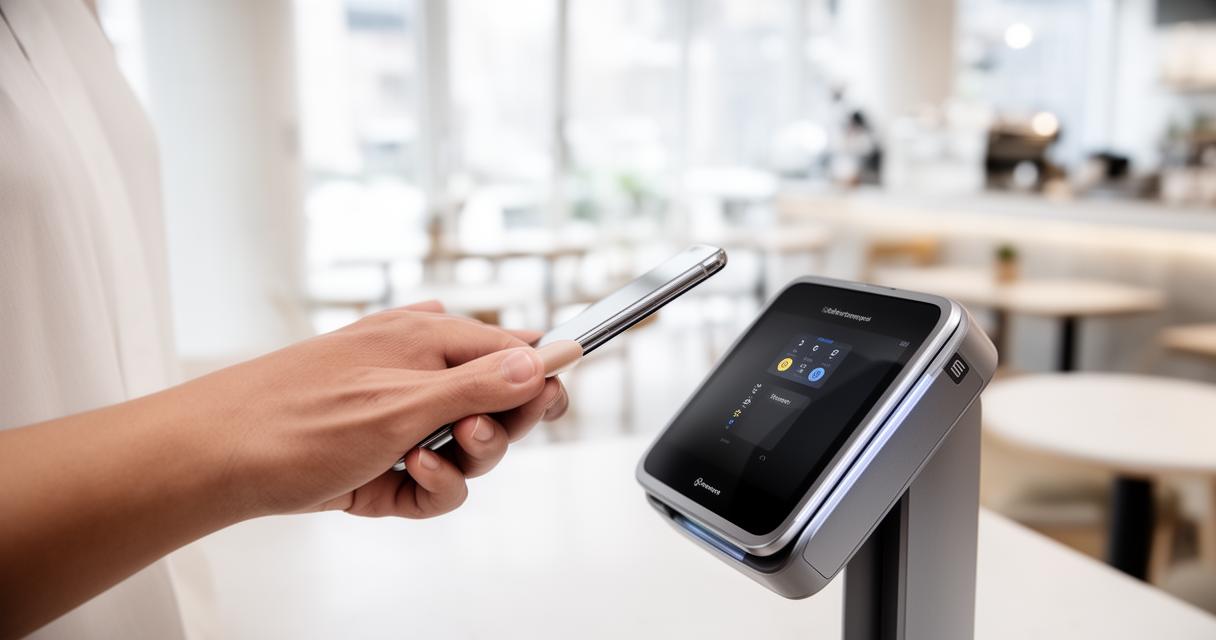
Once a refund has been agreed with a merchant or triggered through the app, BNP Paribas handles the transaction much like any other card refund. The bank credits the amount back to the card linked within Paylib, and this appears on your account statement in much the same way a standard purchase reversal would. Since Paylib integrates directly with your existing BNP Paribas banking setup, there is no need to open a separate wallet or manage a different balance, everything flows back into your main account.
Step-by-Step Guide: Requesting a Refund via Paylib on Your iPhone
If you find yourself needing a refund, the process within the Paylib app has been kept fairly straightforward, in keeping with the service's overall philosophy of quick and painless transactions.
Initiating your refund request within the paylib application
You will typically start by opening the app and locating the transaction in question within your transaction history. From there, you can flag the payment as disputed or contact the merchant directly if the refund needs to be initiated on their end. For peer-to-peer transfers, cancelling or requesting money back often depends on timing, so acting quickly increases your chances of a smooth resolution. It's worth keeping a record of any documents related to the transaction too, since some banks may ask you to take a photo of receipts or confirmation emails as supporting evidence.
Verifying Your Identity with Face ID or Touch ID During the Refund Process
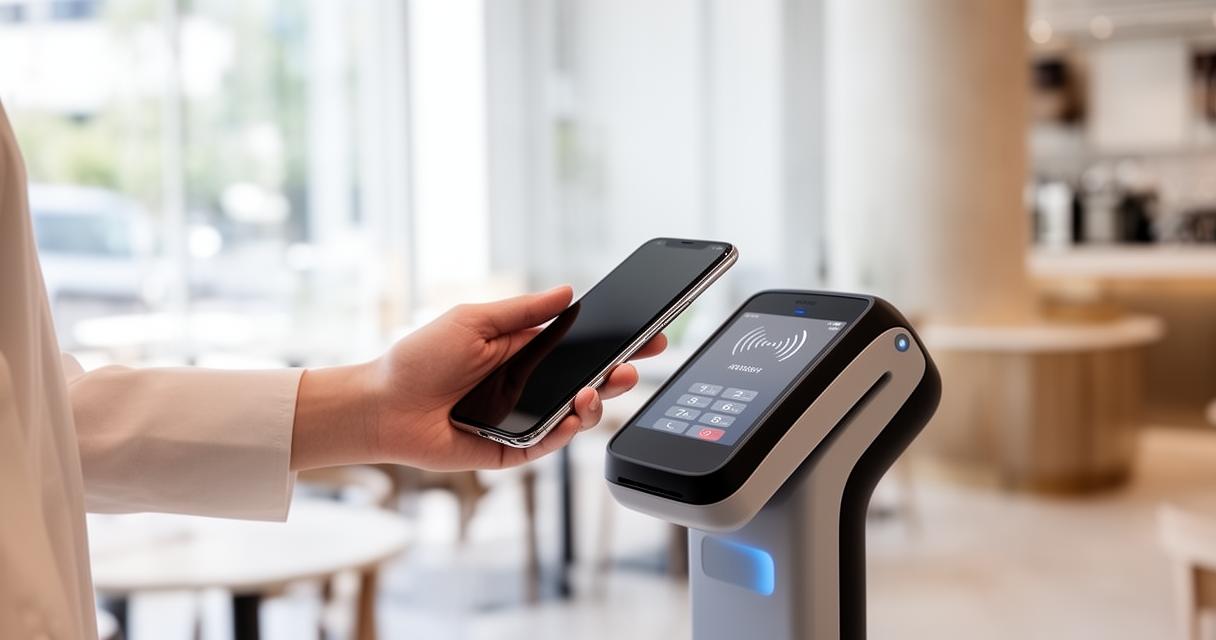
Security remains a priority throughout, and any refund-related action within Paylib will likely require you to authenticate using Face ID or Touch ID. This extra layer of protection ensures that only you can approve changes to your linked bank card or confirm a reversal of funds. It might feel like an extra step when you are eager to sort out a refund, but it is there to protect your account from unauthorised access, particularly important given how tightly Paylib is integrated with your actual banking details rather than a separate prepaid balance.
Refund Timelines and What to Expect with Your BNP Paribas Account
Patience is sometimes needed when waiting for money to reappear in your account, and understanding typical timeframes can help manage expectations.
Typical Processing Times for Paylib Refunds to Your Bank Card
Refunds processed through Paylib generally follow the same timelines as traditional card refunds, meaning it can take anywhere from a few days up to a couple of weeks depending on the merchant and the nature of the transaction. Contactless payments processed at compatible terminals tend to reverse fairly quickly, whereas disputes requiring merchant involvement can take longer to resolve. BNP Paribas will credit the funds back to your linked card once the refund has been fully authorised, and this will show clearly in your transaction history within the app.
Tracking Your Refund Status Through the Paylib iPhone App
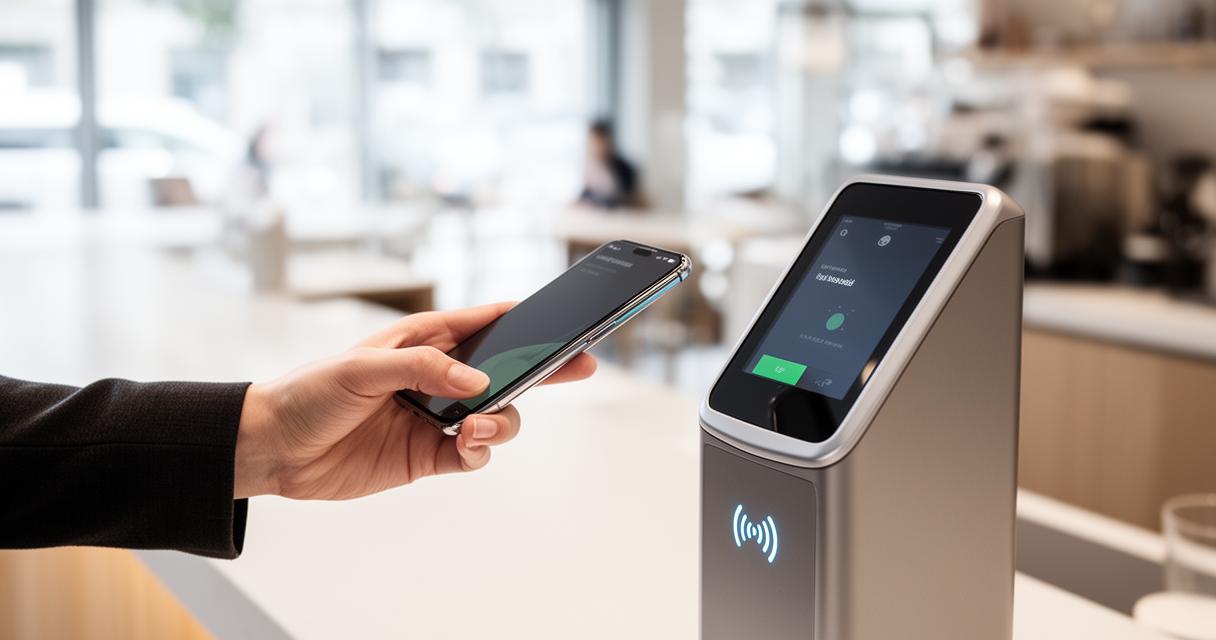
One of the more reassuring aspects of using Paylib is the ability to monitor where your refund stands directly from your iPhone. The app's transaction log updates as soon as movement occurs, so you are not left guessing whether your money is on its way back. If a refund seems to be taking longer than expected, reaching out to BNP Paribas customer service or the merchant directly is usually the quickest way to get an update.
Beyond the practicalities of refunds, it is worth remembering that BNP Paribas also places great importance on transparent communication with its wider community, including its shareholders and investors. The bank offers detailed performance reports and shareholder communication channels, alongside initiatives like the Shareholders' Club, which counts more than sixty three thousand members holding at least two hundred shares each. Decisions affecting the company, from approving accounts to fixing dividends, are made during the Annual General Meeting, which requires a simple majority, while more significant changes are decided during Extraordinary General Meetings needing a two-thirds majority. Shareholders wishing to take part must register five trading days before the meeting and can vote electronically through the Votaccess system. With shares listed on exchanges in Paris, London, and Frankfurt, and a nominal value of two euros each, BNP Paribas maintains a strong link with retail investors, who hold the majority of its capital, reinforcing the same spirit of accessibility and trust that underpins everyday tools like Paylib.